Figma's New Bridge Between AI Code and Design
Figma is the collaborative design tool that most product teams use to create, review, and hand off interface designs. It's where mockups live, where stakeholders leave feedback, and where designers do their actual work. Until now, it had no direct connection to AI-generated code.
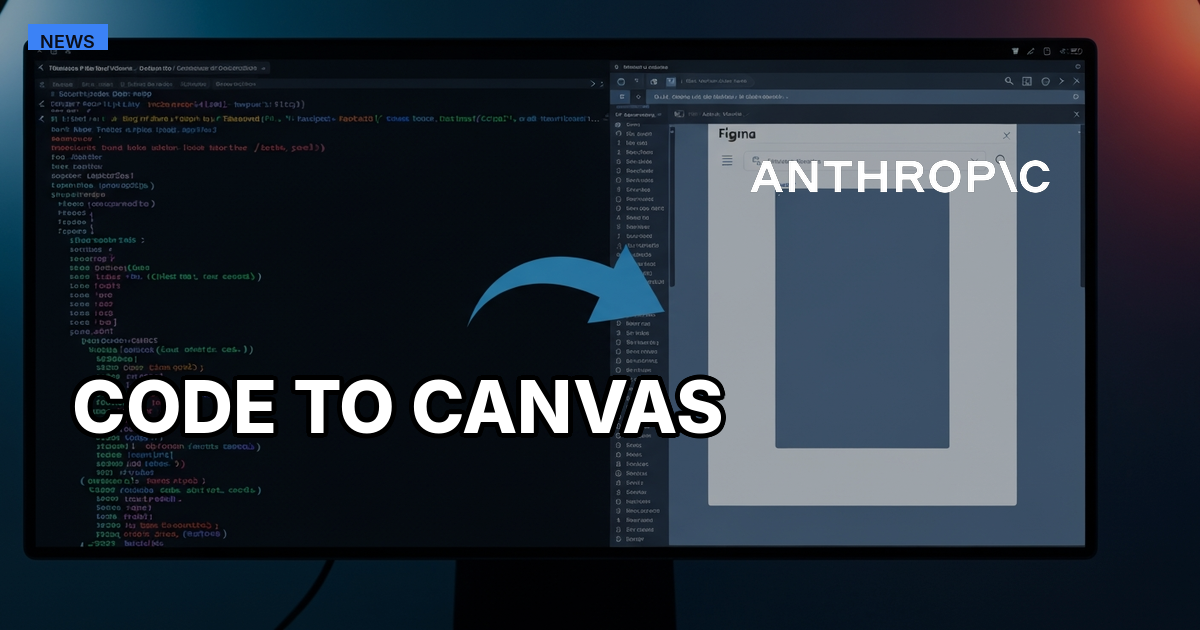
Type "Send this to Figma" in your terminal and watch a working UI, the one Claude Code just built and your browser just rendered, land in Figma as fully editable layers. Not a screenshot. Not a flat PNG. Actual text nodes, auto-layout frames, and grouped components that you can select, resize, annotate, and hand to your design team as if someone had built it on the canvas from scratch.
That's Code to Canvas, announced on February 17, 2026 as a partnership between Figma and Anthropic. It's the first production-grade bridge between AI-generated code and collaborative design tooling, built for product teams who've spent the past year watching AI generate functional UIs that nobody could review without opening a browser and squinting.
What you actually type, and what actually happens
The setup takes about two minutes, but which MCP server you connect depends on which direction you're working.
For the code-to-canvas direction (sending AI-generated UIs into Figma), you need Figma's remote MCP server. From the terminal:
claude mcp add --transport http figma https://mcp.figma.com/mcp
This triggers an OAuth flow in your browser. The remote server is required because the generate_figma_design tool that powers "Send this to Figma" only runs on Figma's hosted endpoint.
For the design-to-code direction (reading Figma designs into Claude Code), you connect to your local Figma desktop app:
claude mcp add --transport http figma-desktop http://127.0.0.1:3845/mcp
This requires the Figma desktop app running locally (browser Figma won't work) and a Dev or Full seat. Note: older guides may reference the /sse endpoint with --transport sse. That endpoint is deprecated; use /mcp with --transport http instead.
For the full bidirectional workflow, you'll want both servers configured. Most teams start with the remote server for code-to-canvas, since that's the new capability.
Once connected, the workflow is four steps.
Step 1: Build. You prompt Claude Code to create a UI. Say you're prototyping a settings panel for a SaaS dashboard. Claude writes React (or Vue, or plain HTML), spins up a dev server, and you see the result in your browser at localhost.
Step 2: Capture. You type "Send this to Figma." Claude uses the generate_figma_design tool (via the remote MCP server) to read the rendered browser state. It doesn't take a screenshot. It parses the DOM semantically, extracting text elements, button components, layout structure, and spacing relationships. The output is a Figma-native frame.
Step 3: Edit on canvas. The frame arrives in your Figma file with preserved hierarchy. Text is editable text. Buttons are separate objects. Auto-layout is applied where the code used flexbox or grid. You can duplicate the frame, place three variants side by side, add annotations, and present to stakeholders without anyone touching a terminal.
Step 4: Push back to code. Select a Figma frame, prompt Claude to generate production code from the design. The MCP connection passes context both ways: Claude reads your design system's components, variables, and tokens. The generated code respects those constraints instead of starting from scratch.
Each cycle through this loop preserves context. The MCP server maintains the connection between Claude Code and Figma, so when you modify a design and push it back, Claude knows what it built originally and what changed.
Where the loop breaks down
This isn't a polished consumer feature. It's a developer tool with developer-grade friction, and knowing the limitations matters more than knowing the happy path.
Terminal first, canvas second. Every interaction starts in Claude Code, which means the terminal. Designers who don't use the command line need a developer to set up the connection and trigger captures. The tool doesn't have a Figma plugin UI or a button you click. It's a text command in a terminal session.
No visual refinement loop. If you want to adjust spacing by 4 pixels, you can't do it on the canvas and have that change flow back to code automatically. You either edit the code manually or prompt Claude to make the adjustment, then re-capture. The visual manipulation that makes Figma powerful for micro-adjustments doesn't round-trip back to the codebase.
One screen at a time. Capturing a multi-screen flow (onboarding sequence, settings across tabs, checkout funnel) means capturing each screen individually. There's no "capture all routes" command that walks through your app and generates a complete Figma file.
Token costs scale with complexity. Larger design files and multi-screen workflows consume more API tokens because the MCP server passes design context to Claude on every call. A simple component capture is cheap. A full design system with dozens of components, variables, and styles will push your token usage up quickly.
Code changes are live. Claude Code operates directly in your project's codebase, not in a sandbox. If you're iterating on a production repo and Claude modifies a component, that change hits your actual files. Work on a branch.
MCP connections can be slow. Users have reported latency during captures, particularly with larger files.
Convergence vs. divergence: why this split matters
Here's the framing that makes Code to Canvas useful instead of just interesting: AI is good at convergence, and canvases are good at divergence.
Convergence means getting to one working state. You describe a settings panel, Claude builds it, you see it in the browser. AI excels here because it doesn't bike-shed and doesn't need three meetings to pick a layout. It just builds.
Divergence means exploring many possible states. You take that settings panel, duplicate it four times, try a different hierarchy in each version, add annotations, and present all four to your PM on a single Figma page. Spatial reasoning, comparison, and commentary happen better when you can see everything at once and move things around with your hands.
Before Code to Canvas, these two modes lived in separate tools with no bridge. AI could converge fast, but the result was trapped in a browser window. Getting it into a review context meant screenshots or manual rebuilds in Figma, often taking longer than the AI generation itself.
Now the bridge exists. Build fast in code, review thoughtfully on canvas, push refinements back. The loop isn't frictionless (the limitations above are real), but it's functional for the first time.
Who changes their workflow most
PMs gain the most. Before this integration, a PM who wanted to compare three approaches to a feature had to ask a developer to build each one or ask a designer to mock each one. Both of those requests involve someone else's time and a context switch. Now a PM with basic terminal skills can prompt Claude to generate three variants, capture all three to Figma, and arrange them for stakeholder review before the next standup. The artifact is real (it was a working UI in a browser, not a wireframe), and it lives in the tool where decisions already get made. Figma CEO Dylan Field framed it this way: "In a world where AI can help build any possibility you can articulate, your core work is to find the best possible solutions in a nearly infinite possibility space." The canvas is where that finding happens.
Developers save the re-explanation. The perennial frustration of building something, showing it in a demo, and then having design feedback arrive as a Figma mockup that doesn't match the actual component structure? Code to Canvas reduces that gap. The Figma artifact reflects the real component hierarchy because it was generated from the real code. Design feedback stays grounded in what was actually built, not what someone thought was built.
Designers get a starting point, not a replacement. The captured frames are structurally correct but aesthetically unrefined. Spacing, color tokens, and typographic details need polish. That's the job designers are already doing. The difference is they start from a structurally accurate frame instead of a blank canvas or a vague specification. The design work shifts from construction to curation.
The honest takeaway
Code to Canvas doesn't eliminate any role on a product team. What it does is compress the feedback cycle between code and design from days to minutes. The team that gains the most is the one where reviewing AI-generated output currently requires a screen-share, a browser URL, and a Slack thread full of annotated screenshots.
The caveat: this workflow involves three tools (terminal, browser, Figma) and at least five context switches per cycle. Whether that process saves more time than it costs depends on how often your team iterates between code and design. If you ship what AI generates on the first pass, you don't need this. If you explore multiple options and expect design review before shipping, Code to Canvas turns a manual translation step into an automated one.
The first teams to benefit won't be the ones with the best prompting skills. They'll be the ones whose review process already runs through Figma, who've been waiting for a way to get AI-generated work into that process without a human translator in the middle.
Code to Canvas announced February 17, 2026 by Figma and Anthropic. Technical requirements and workflow details sourced from Figma's official blog, Anthropic's documentation, and Builder.io's independent evaluation. Dylan Field quote from his Figma blog post "The Future of Design Is Code and Canvas," February 17, 2026.